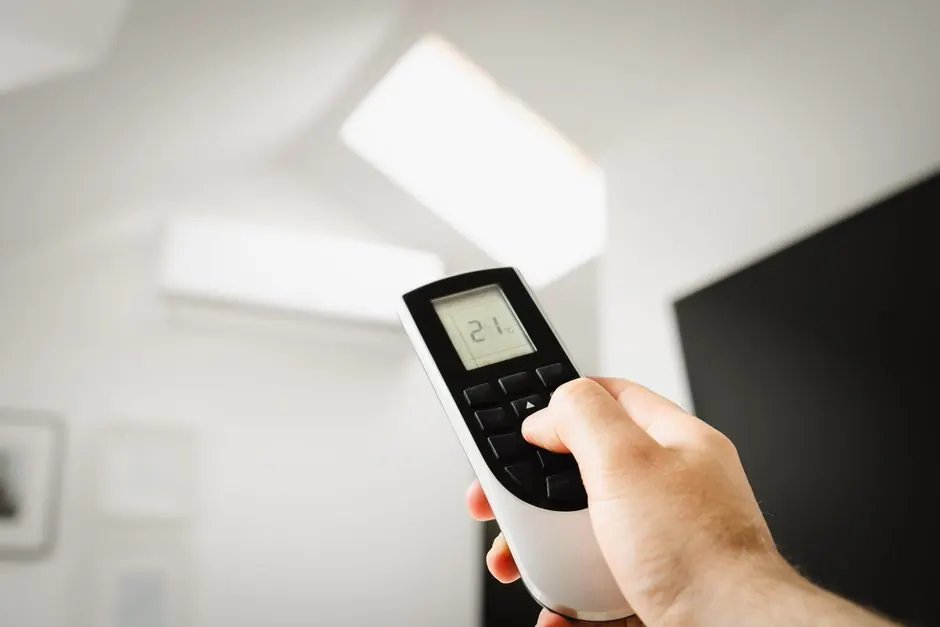
A malfunctioning thermostat can lead to discomfort in your home, especially during the scorching summer months in Goodyear. To troubleshoot thermostat issues effectively, start by checking the power supply and settings. This guide will walk you through common problems and solutions.
Thermostat troubleshooting is essential for maintaining your HVAC system's efficiency and ensuring your home remains comfortable. Understanding how to identify and fix these issues can save you time and money.
What is a thermostat?
A thermostat is a device that regulates the temperature of your HVAC system by controlling the heating and cooling cycles. When it detects temperature changes, it signals the system to turn on or off, maintaining your desired indoor climate.
Common thermostat issues
Several issues can arise with thermostats, particularly in older homes in Goodyear. Here are some common problems:
- Inaccurate temperature readings: If your thermostat displays a temperature that doesn't match the actual room temperature, it may need recalibration.
- Thermostat unresponsive: A thermostat that does not respond to adjustments can indicate a power issue or a malfunctioning component.
- Battery issues: Many digital thermostats rely on batteries. Weak or dead batteries can lead to malfunction.
- Wiring problems: Loose or damaged wires can cause intermittent issues, leading to erratic performance.
- Placement issues: If your thermostat is located near heat sources or in direct sunlight, it may provide inaccurate readings.
How to troubleshoot thermostat problems
Follow these steps to troubleshoot thermostat issues effectively:
- Check the power supply: Ensure that your thermostat is receiving power. If it's battery-operated, replace the batteries. For wired models, check the circuit breaker for tripped breakers.
- Inspect settings: Confirm that the thermostat is set to the correct mode (heating or cooling) and that the temperature settings are appropriate for your comfort.
- Clean the thermostat: Dust and debris can affect performance. Gently clean the thermostat using a soft cloth.
- Calibrate the thermostat: If your thermostat is reading temperatures inaccurately, consult the manufacturer's instructions for calibration procedures.
- Check wiring: Inspect the wiring for any visible damage or loose connections. If you notice any issues, consider contacting a professional.
- Test the system: After making adjustments, test the system by changing the temperature setting and observing if the HVAC system responds accordingly.
For those who prefer professional assistance, consider our thermostat repair services in Arizona. Our technicians can quickly diagnose and fix any thermostat issue, ensuring your home is comfortable.
What to watch out for
While troubleshooting, be mindful of these common mistakes:
- Ignoring warning signs: Don't overlook symptoms such as inconsistent temperatures or strange noises from the thermostat.
- DIY repairs without knowledge: Attempting to fix complex wiring issues without proper knowledge can lead to further problems.
- Neglecting regular maintenance: Schedule regular ac maintenance in Arizona to prevent thermostat issues from arising.
When to call a professional
If troubleshooting does not resolve the issue, it's time to call a professional. Problems such as faulty wiring, significant calibration issues, or complete system failures require expert intervention. Arizonaairflow offers reliable ac repair in Arizona tailored to your needs.
Frequently Asked Questions
- How can I tell if my thermostat is broken? If your thermostat is unresponsive or showing incorrect temperatures consistently, it may be broken and require repair or replacement.
- What should I do if my thermostat keeps changing temperature? Check for drafts, direct sunlight, or a malfunctioning sensor. These can affect the thermostat's accuracy.
- How often should I replace my thermostat? If you have an older model or experience frequent issues, consider replacing it every 10-15 years for optimal performance.
- Can I fix my thermostat myself? You can troubleshoot basic issues, but complex repairs should be handled by professionals to avoid further damage.
- What is the cost of thermostat repair? Typical 2026 pricing for thermostat repair in Goodyear ranges from $100 to $300, depending on the complexity of the issue.
For assistance with any thermostat issues, don't hesitate to reach out to Arizonaairflow.